
One-app shoppers
Choose Alarm.com cameras (and optional ADC recording) end-to-end.
Remote viewing · critical distinction
Remote viewing is not one feature — it is two (sometimes more) product experiences. Home Shield separates local NVR/camera-app viewing for preferred wired systems from Alarm.com viewing for Alarm.com cameras and doorbells. Mixing them without explanation is how customers get frustrated.
The rule
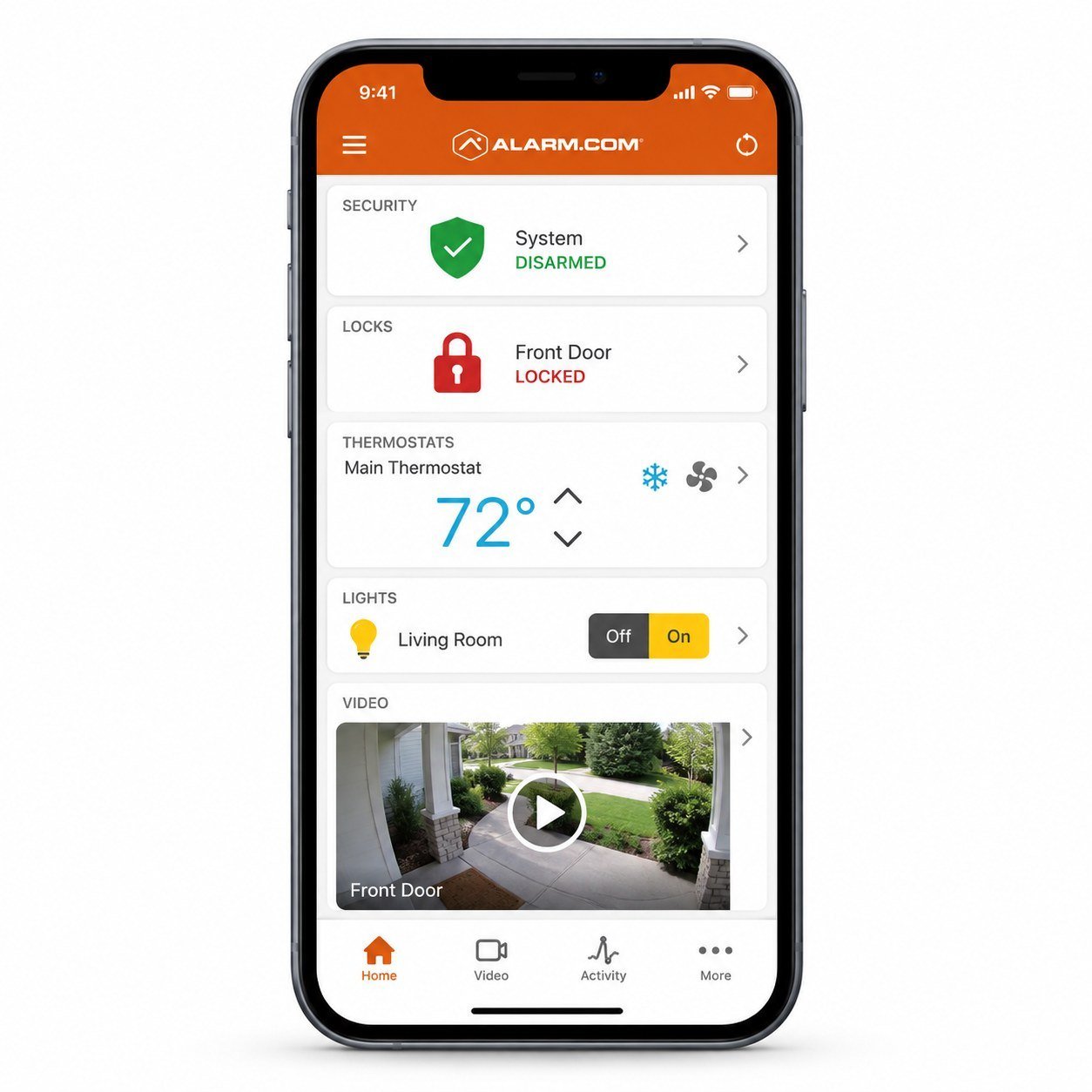
If the camera is an Alarm.com camera (or a specifically supported camera on an Alarm.com SVR under a qualifying plan), you view it in the Alarm.com app and website — when your video service includes it.
If the camera is on a preferred wired PoE/NVR system, live view and playback are in the NVR/camera manufacturer app or local NVR interface. Those cameras do not automatically appear inside Alarm.com. Security arming and sensors still use Alarm.com / 2GIG Edge.
Who it’s for
Choose Alarm.com cameras (and optional ADC recording) end-to-end.
Choose preferred PoE/NVR video plus Alarm.com for alarm/automation.
Accept two apps — with a written map of which camera is where.
Benefits
No silent promise that every camera lands in Alarm.com.
Edge + Alarm.com remain clear even when video uses an NVR app.
Unified ADC video or preferred wired NVR — both valid when chosen on purpose.
ADC doorbells stay on the Alarm.com path.
Same rule for small business sites — plus access-control cross-links when doors matter.
We walk you through the apps that actually ship on your job.
Practical setup notes
Before you leave the site: list every camera and which app opens it; install Alarm.com for panel/automation/ADC video; install the NVR app only if a non-ADC NVR is present; confirm video plan add-ons before promising live view.
2GIG Edge can show Alarm.com cameras/doorbells on the panel when those devices are on the ADC platform. It does not magically display preferred NVR cameras inside Alarm.com.
Compatible ADC cameras, doorbells, and ADC SVR timelines.
Preferred wired PoE/NVR live view & playback in the NVR app/UI.
Edge on-wall view for ADC video devices where supported.
Related
Viewing choices tie to outdoor, recording, and doorbell pages.
FAQ
Only if every camera is an Alarm.com camera (or a verified ADC SVR exception). Preferred NVR cameras use a separate app.
No. Alarm.com includes Wi-Fi and wired/PoE camera options.
No. Edge is excellent on-wall control and can show ADC video; day-to-day remote viewing still uses the phone apps that match your cameras.
Those usually stay in their vendor apps. We do not assume Alarm.com will ingest them.
Free consultation
Tell us whether one app or NVR density matters more — we’ll design cameras with an honest viewing plan.
Quick quote request
NVR vs Alarm.com paths explained clearly by Home Shield Alarm.