
Security-first families
Want locks and lights that follow arming habits.
Smart home · secondary to security
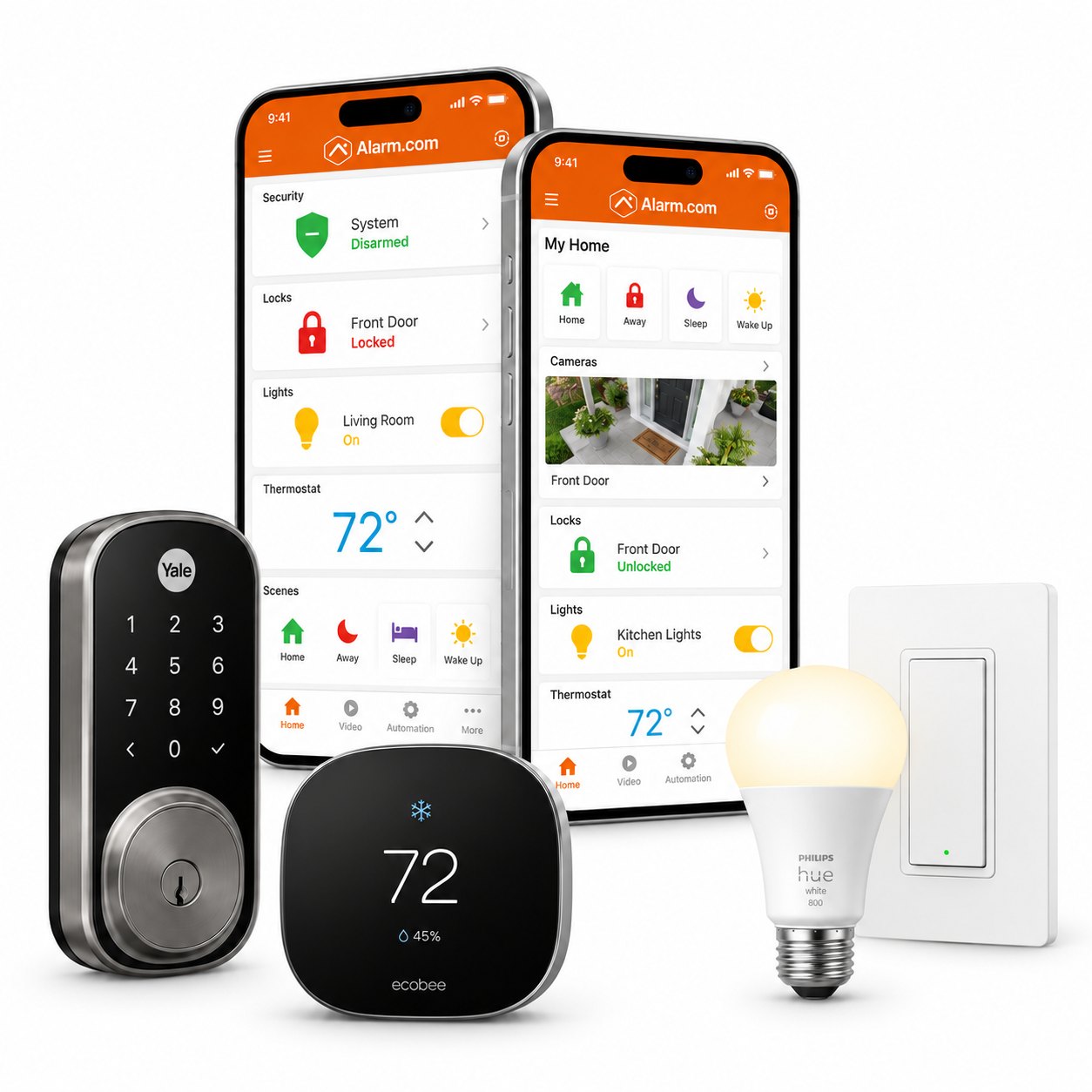
Home Shield treats automation as a layer on top of solid security — not a replacement for it. Compatible locks, lighting, thermostats, and other Z-Wave or partner devices can be controlled with Alarm.com alongside your 2GIG Edge system when the equipment and plan support them.
What it is
Useful automation looks like lights that support Away mode, locks that report with your alarm, or a thermostat schedule that matches how you travel — controlled from the same Alarm.com experience you use for security when devices are compatible.
We start with HomeShield + 2GIG Edge, then add automation that earns its place. Not every smart gadget on a store shelf will enroll cleanly; compatibility is device-specific.
Who it’s for
Want locks and lights that follow arming habits.
Travelers who adjust comfort and access from Alarm.com.
Homes adding automation after a stable Edge install.
Benefits
Alarm.com for compatible security + automation devices.
2GIG Edge includes Z-Wave 700 for compatible devices.
Lighting and lock routines that support Away/Stay habits.
We never claim every Z-Wave device works — verify by model.
Pairing and placement done by Ohio technicians, not DIY guesswork alone.
Smart home stays secondary to intrusion protection in our advice.
Equipment notes
Common categories: smart locks, lighting controls, thermostats, garage controllers, and select water devices when partner integrations apply. Edge’s Z-Wave 700 radio enrolls compatible Z-Wave products; some partner devices use cloud integrations instead.
Plan features for automation rules and notifications depend on your Alarm.com interactive package. We confirm during the quote.
700-series radio for compatible locks, lights, and more.
Scenes and notifications where the plan allows.
Bring model numbers — we check before promising enrollment.
Related
Dive into locks, thermostats, lighting, and Z-Wave.
FAQ
No. Security stands alone. Automation is optional convenience on top.
Only if they use a compatible control path we can enroll. Many consumer Wi-Fi bulbs stay in their own apps.
Many devices use Z-Wave with Edge; some partners use other integrations. We match the device list to what Alarm.com and Edge actually support.
Certain lock and access workflows can relate to arming/disarming when designed that way — discussed carefully to avoid accidental disarm paths.
Free consultation
List the devices you care about — locks, lights, thermostat — and we’ll map what works with Edge and Alarm.com.
Quick quote request
Home automation from Home Shield Alarm — compatible devices, local Ohio support.